Hex Editor Online
Upload a file and inspect, edit, and analyze its raw bytes directly in your browser — nothing is ever uploaded to a server.
BUILT FOR TECHNICAL WORK
FEATURES
POWERFUL HEX EDITING
Fast Hex Editing
Review and update byte values with a focused workflow built for quick inspection.
Binary Inspection
Read file contents in hexadecimal and binary-friendly formats for detailed analysis.
Byte-Level Control
Work close to the data with precise byte-level editing controls and clear formatting.
File Analysis
Inspect file structures, patterns, signatures, and raw data without heavy desktop setup.
Search & Replace
Find values and patterns faster when reviewing binary files or debugging data issues.
Browser-Based Workflow
Use a hex editor online from modern devices with no complex installation process.
CAPABILITIES
CORE CAPABILITIES
Hex Editor Online helps technical teams inspect raw file data, compare byte patterns, and make careful edits from a clean browser interface.
48 65 78 20 45 64 69 74Hex Edit6F 72 20 4F 6E 6C 69 6Eor Onlin65 20 42 79 74 65 73 20e Bytes0A FF 4C 2B 7E 01 00 A9..L+~...PROCESS
HOW IT WORKS
LOAD YOUR FILE
Open a supported file and prepare it for hexadecimal review.
INSPECT THE BYTES
Review offsets, byte values, and readable data patterns.
EDIT AND EXPORT
Make careful updates and export the modified file when ready.
USE CASES
BUILT FOR MANY WORKFLOWS
BENEFITS
WHY CHOOSE HEX EDITOR ONLINE
Use a focused hex editor online when you need practical byte-level work without a heavy setup path.
Start from the browser without configuring a full desktop toolchain.
Work from modern devices with a familiar web interface.
Inspect and adjust raw data with clear byte-level context.
Review file contents, signatures, and data patterns quickly.
Keep the workflow focused on offsets, hex values, and ASCII views.
Use the tool from desktop, tablet, or mobile layouts.
SECURITY
YOUR DATA MATTERS
A responsible hex editing workflow should make file handling clear and predictable. Hex Editor Online is designed for careful inspection, practical editing, and privacy-conscious use that can be verified as the product evolves.
TRUSTED BY TECHNICAL TEAMS









DEVELOPERS
MADE FOR DEVELOPERS
Review binary payloads, file signatures, and byte sequences in a workflow that fits debugging, analysis, and technical documentation.
00000000 48 65 78 20 45 64 69 74 6F 72 Hex Editor
0000000A 4F 6E 6C 69 6E 65 Online
HIGHLIGHTS
BUILT FOR BYTE-LEVEL WORK
TESTIMONIALS
WHAT USERS SAY
“A clean way to inspect byte values without opening a heavy desktop app.”
“Useful for checking file headers and confirming binary data during debugging.”
“The layout makes it easier to teach how hexadecimal data maps to files.”
Helpful Guides From Hexeditor Online
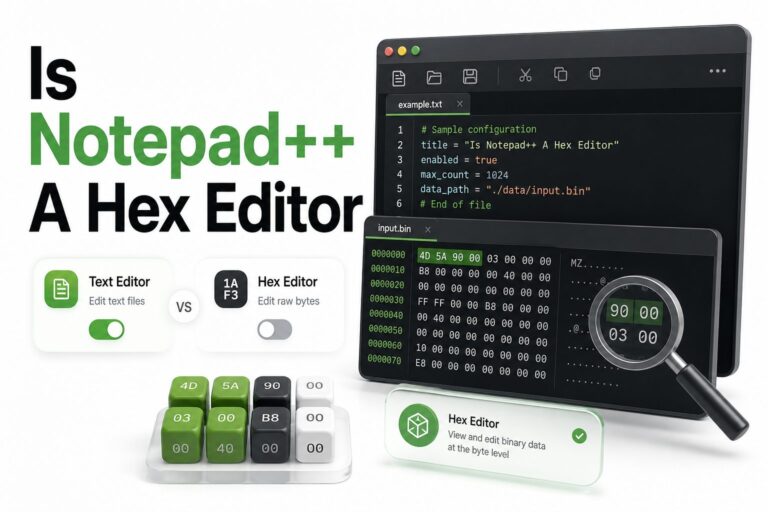
Is Notepad++ a Hex Editor? How to View and Edit Hex Files
Is notepad++ a hex editor is a common question because Notepad++ feels far more capable than a basic...
Read More →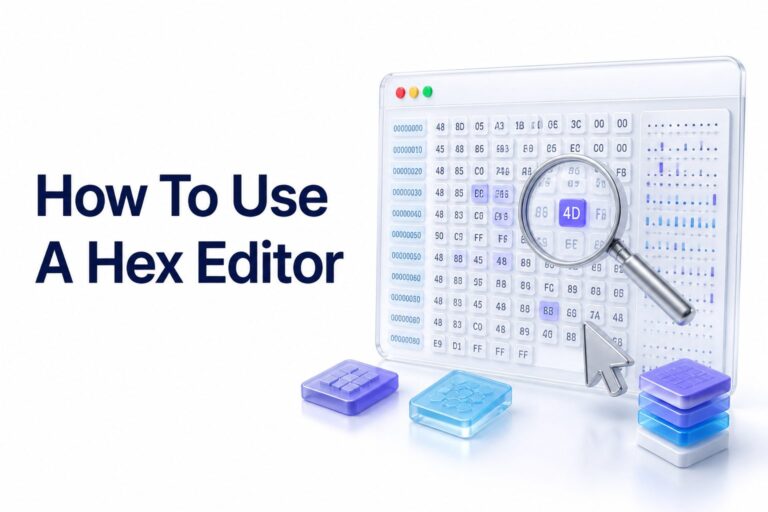
How to Use a Hex Editor: A Beginner’s Guide
A hex editor lets you view and modify the raw data stored inside a file. Instead of showing...
Read More →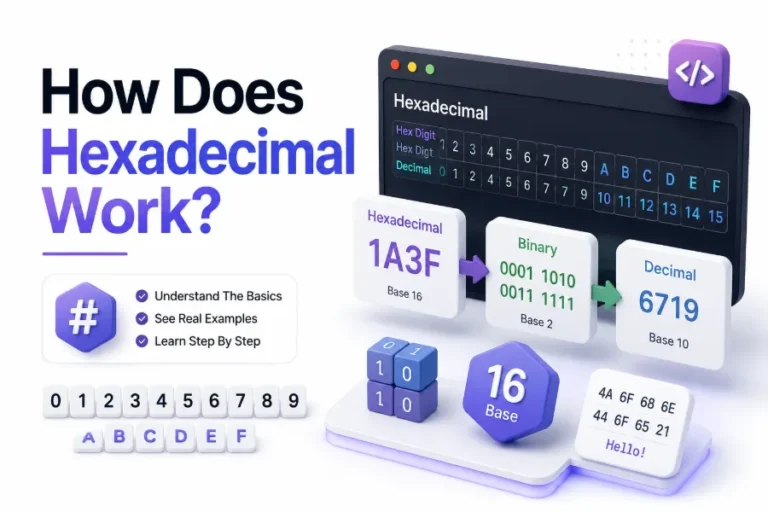
How Does Hexadecimal Work and Why It Matters
Computers store information using binary, a number system based on only 0 and 1. Humans, however, often find...
Read More →FAQ
FREQUENTLY ASKED QUESTIONS
Quick answers about using a hex editor online for binary inspection, byte editing, and file review.
A hex editor displays file data as hexadecimal byte values so technical users can inspect and edit raw binary content.
You can review offsets, inspect byte patterns, search values, and make precise edits from a browser-based workflow.
Yes. A hex editor is designed for byte-level edits where raw binary data needs careful review and adjustment.
Developers, engineers, security teams, students, and technical users rely on hex editors for low-level file inspection.
No complex desktop setup is required for the online workflow. You can access the interface through a supported browser.
Yes. Hex views help reveal byte values, file signatures, text fragments, and binary structures inside files.
START WORKING WITH HEX DATA
Access the online hex editor and begin working with binary data in a focused browser-based environment.